A second chance for fast moments
Go back to the frame you missed.
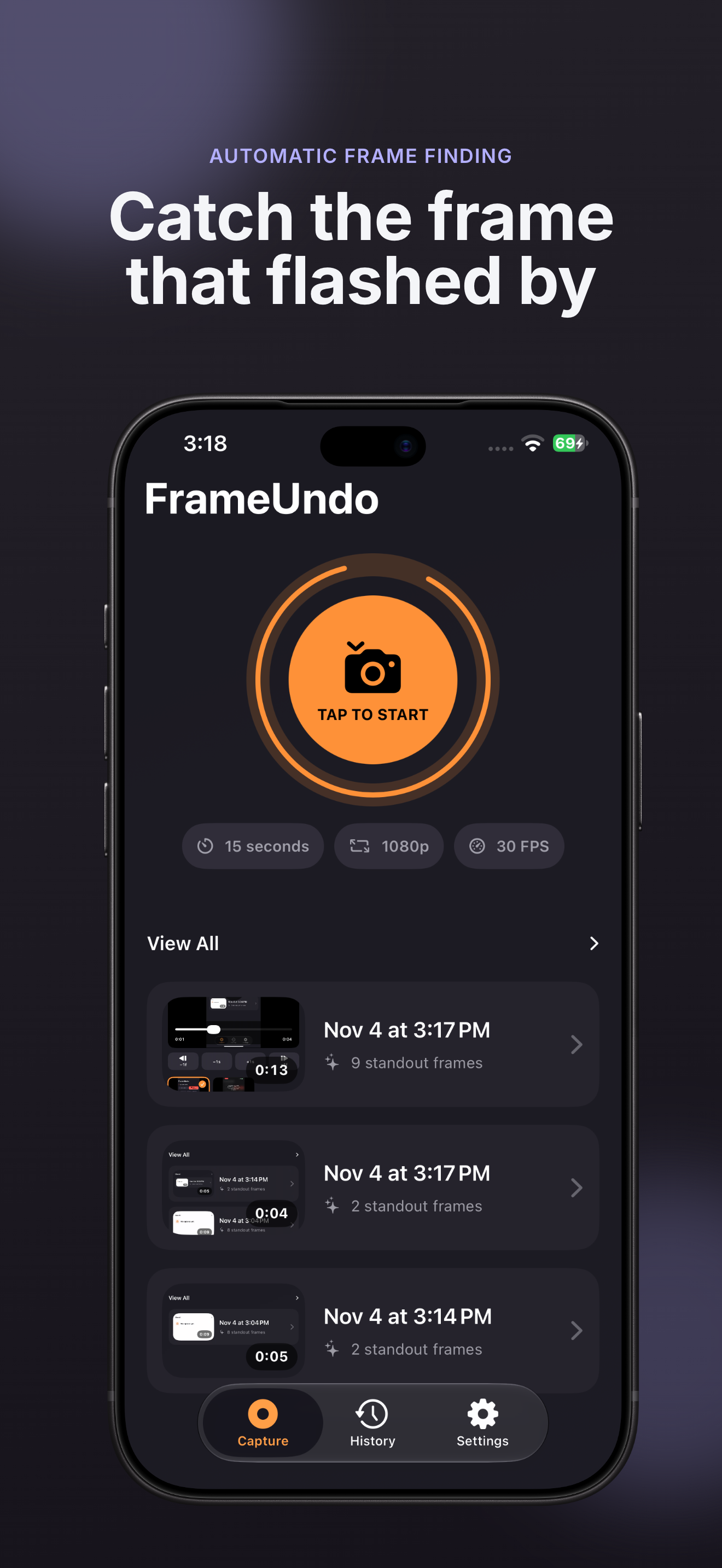
FrameUndo keeps a short rolling buffer after you start screen capture. Choose to keep a recent moment, review it, and save the still image or trimmed clip you want.
Screen recordings, extracted frames, edits, and visual analysis stay on your iPhone.
Catch it after it happens.
- 01 · Keep the recent moment Start a system-authorized capture session and choose how many recent seconds to keep available.
- 02 · Review frame by frame FrameUndo analyzes the saved clip locally and surfaces candidate still frames for precise review.
- 03 · Save only what you choose Edit a frame or trim the clip, then explicitly save your selection to Photos.